Comment on a drawing in Studio
Attach one note to a selected shape in Studio, then find it again after you reload the drawing.
Post and revisit a comment
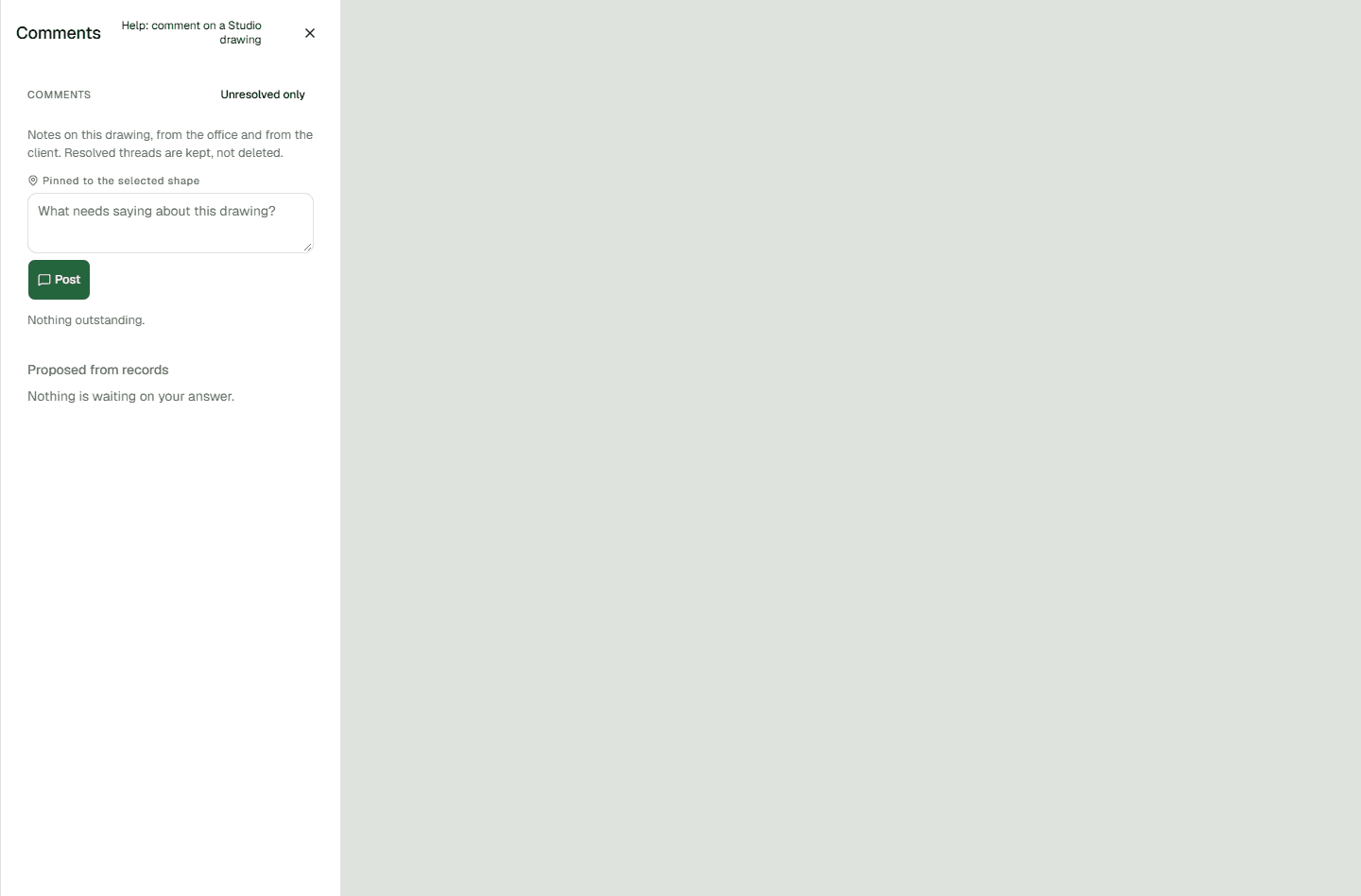
Comments are attached to the shape selected in the drawing. Check the pin label before you post so the note is tied to the shape you mean.
- Open the saved drawing in Studio and select the shape you want to discuss.
- Open Comments and check that the panel says Pinned to the selected shape.
- Write your note and choose Post.
- Reload the drawing, open Comments again, and confirm that your note is listed.
- Choose Show on the map on the note to return to its shape.
If the comment is blank
A blank comment is not posted. If the box is empty, the browser asks you to fill it in. If it holds only spaces, Studio shows: A comment needs something in it.