Manage customer records and statements
Find a customer, review their account history, and open a statement.
Open the customer record
Review a customer’s properties, quotes, documents, contacts and account activity from the customer record. Check the statement period and bill-to details before printing or sharing it.
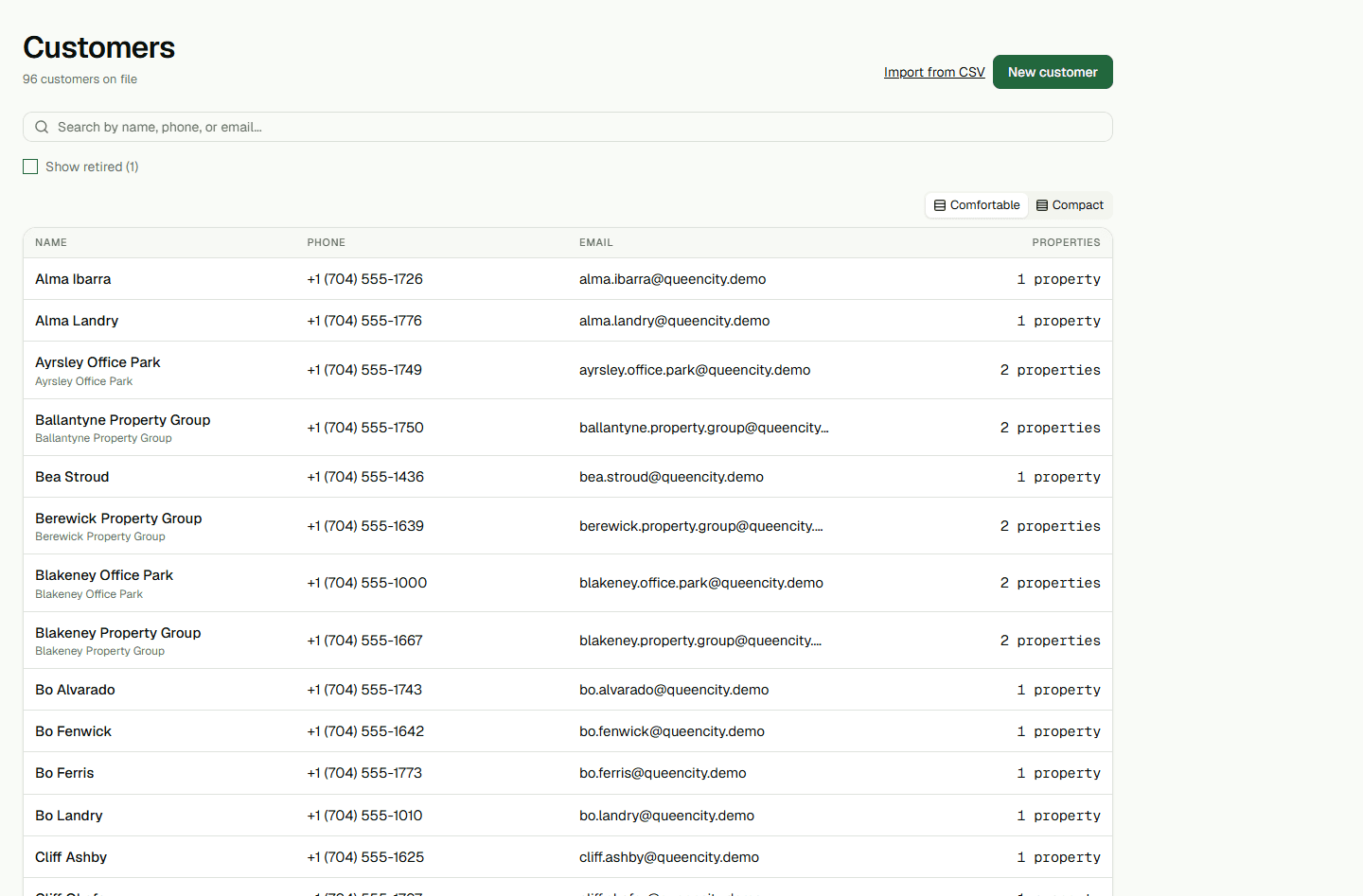
- Open Customers, choose a customer, and follow the statement link from the account record.