Manage the office inbox
Review customer conversations, distinguish unread threads, and understand when replies can be sent or withheld.
Find a conversation
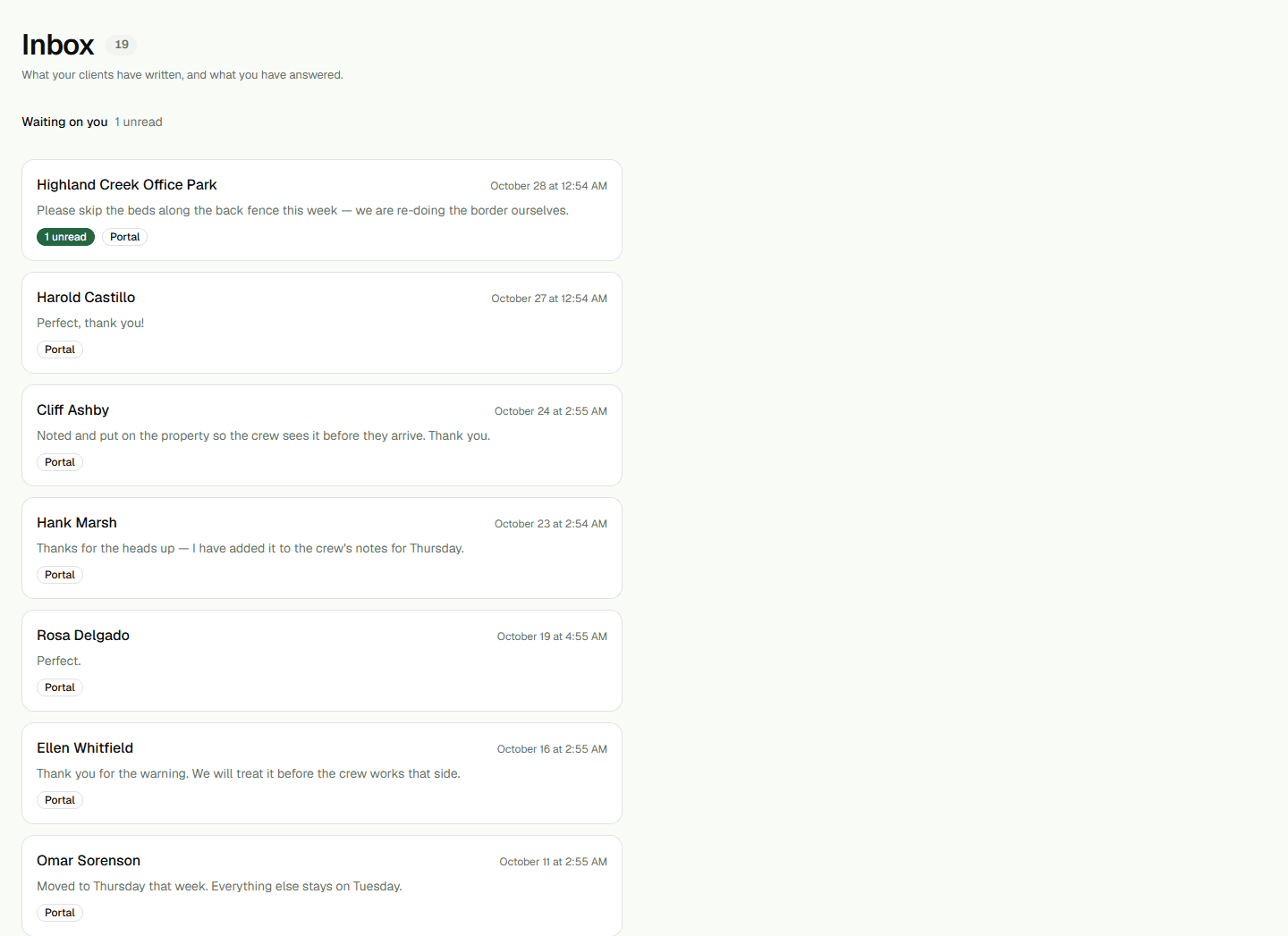
Open Inbox to review customer conversations and unread counts. Choose Open on a thread to read its messages. Use the thread's back control to return to the list. A thread may be visible without having a replyable phone number.
Reply with the status in view
When a reply composer is available, enter a short response and choose Send. If there is no number to answer on, the page explains why a reply cannot be sent. A STOP-suppressed number cannot receive a reply through the normal composer.
A message marked withheld was held because the organization is not live; it was not written to the conversation. Read the result shown after sending and do not assume a provider delivered a message unless the status says so.
Keep message handling separate
Inbox is the conversation history. Follow-ups is a separate list of customers who may need a call or text. Use the related guide for that queue, and check the automation settings separately when scheduled messages are involved.