Reconcile revenue in Reports
Read billed, collected, and outstanding amounts, check report freshness, and understand the revenue export window.
Review the revenue summary
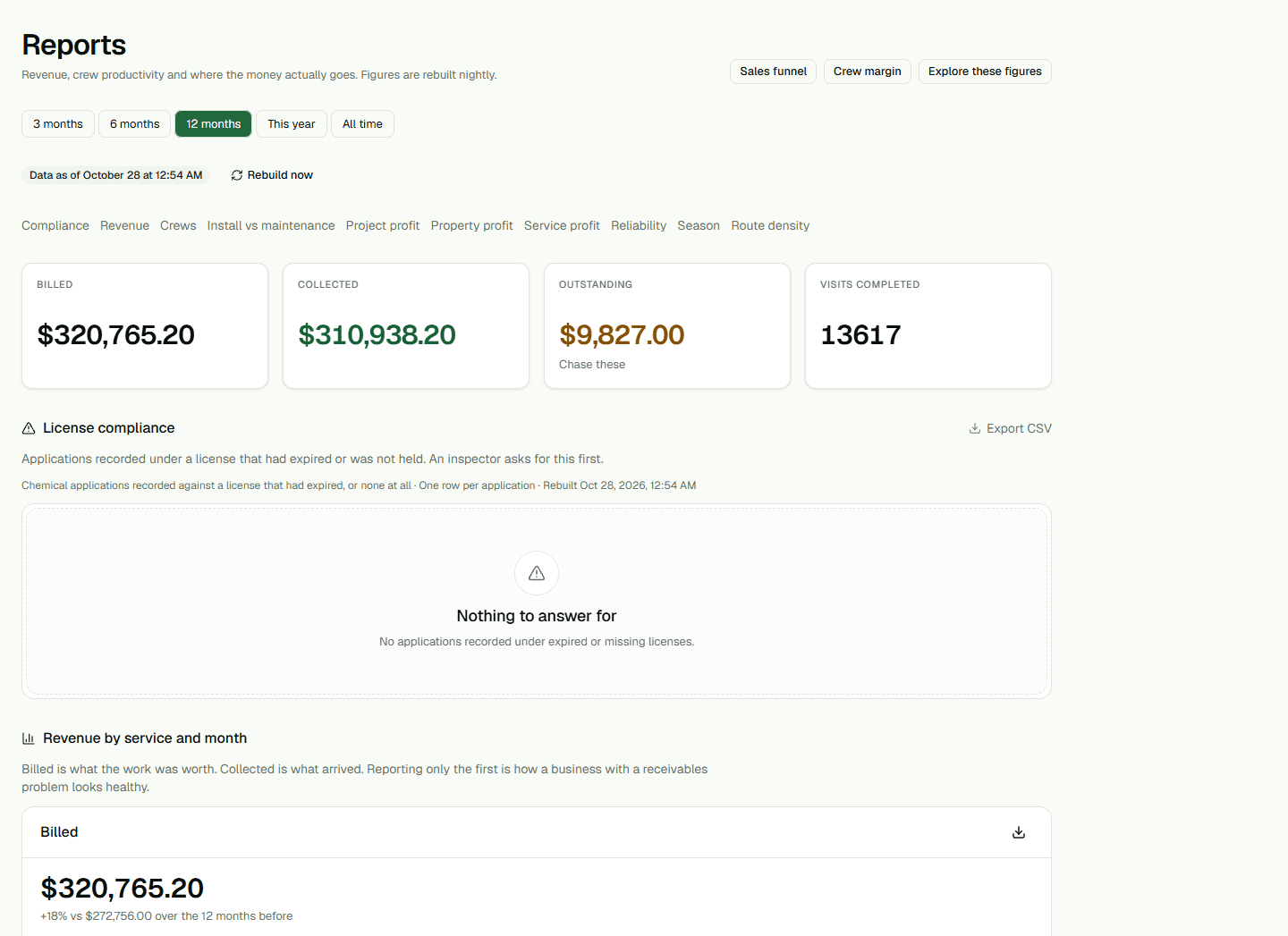
Open Reports and choose All time to review the available revenue history through the current month in your organization's date. Read Billed, Collected, and Outstanding above the revenue table, which groups amounts by service and month.
Billed is the value of non-void invoices. Collected is the amount recorded as paid against those invoices. Outstanding includes only Open, Retrying, and Failed invoices and cannot be below zero. Check the freshness line before relying on the figures.
Refresh and download details
Owners and administrators can choose Rebuild now. After requesting a rebuild, check the freshness line for a completed time or an error; the request itself does not confirm that new figures are ready.
Choose Export CSV on the revenue card to download revenue.csv. Its columns are Month, Service, Invoices, Billed, Collected, and Outstanding. Money values are decimal currency amounts with two digits after the decimal point.
Understand why the export can differ
The revenue CSV is unbounded and does not follow the period selected at the top of Reports. It can include future-dated invoice months that the page's current-month view does not show. Compare the Month column when reconciling the export with the page total.