Use your subcontractor home
Check assigned work, recorded bills and paperwork from your private subcontractor page.
Three things to check
The page shows assignments, bills recorded by the contractor and documents on file. It is read-only: contact the contractor’s office to correct an assignment, submit a bill or provide paperwork. The page does not show customer contact details or the contractor’s price.
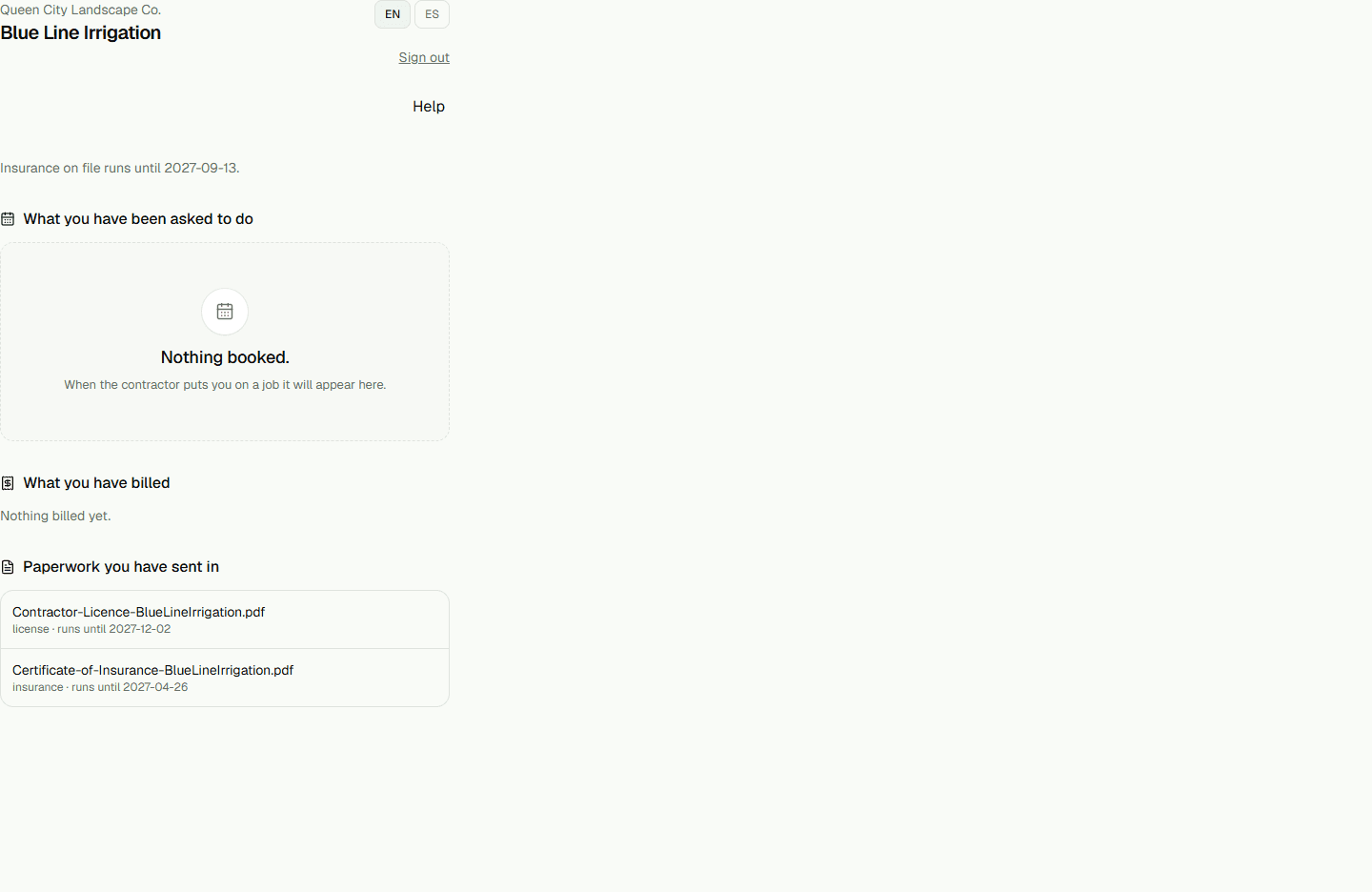
- Sign in at /sub, then review Assignments, Bills and Documents on your home page.