First week: recurring work to payment
Set recurring service, review the week and day sheet, then invoice and record payment.
Set recurring service
Add a plan to the property and review frequency and next date.
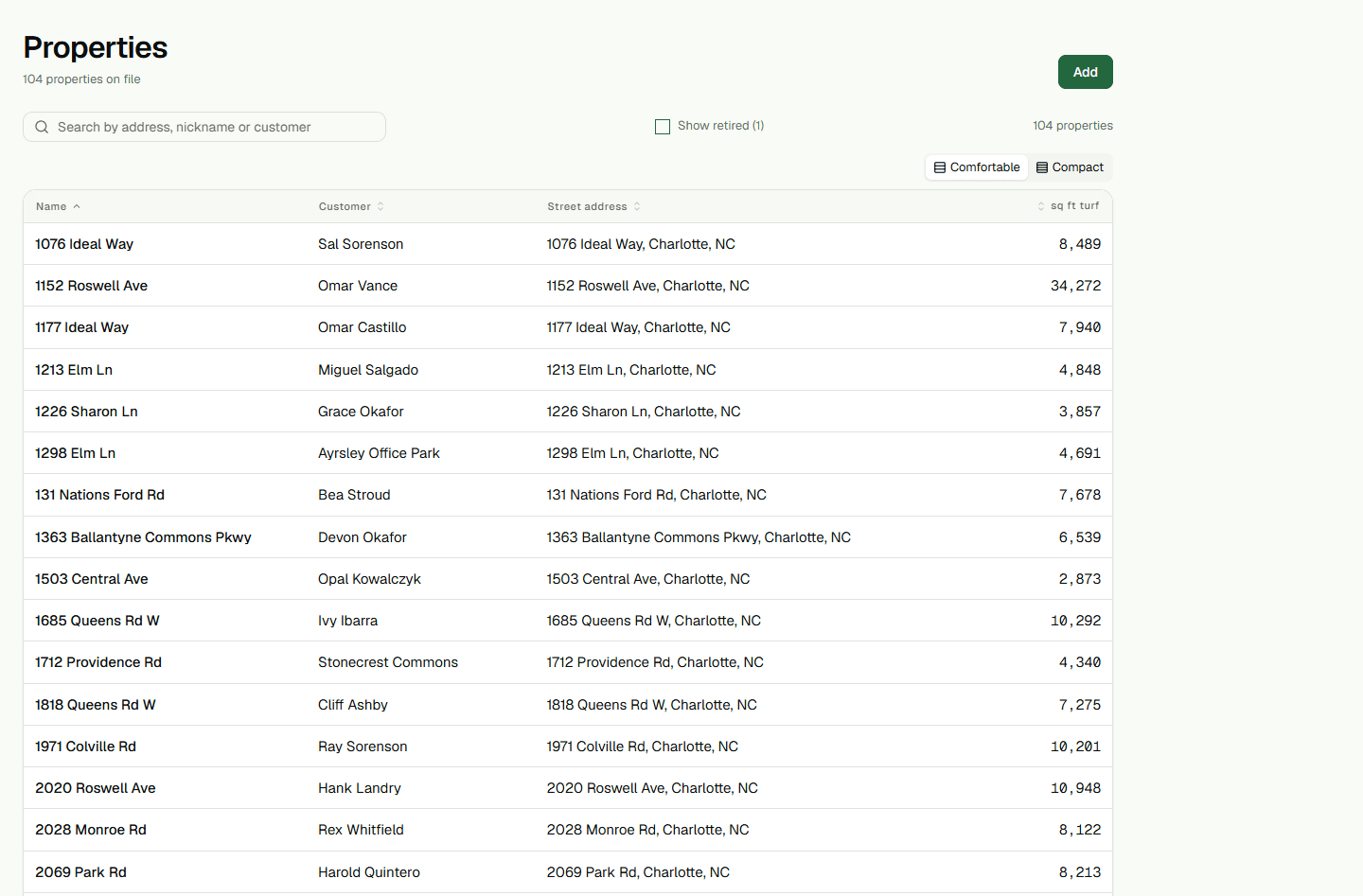
- Add recurring service to the property.
- Save the plan and review its next visit.
Review and prepare the day
Check planned visits and crew assignments, then prepare the day sheet.
- Review visits on the week board.
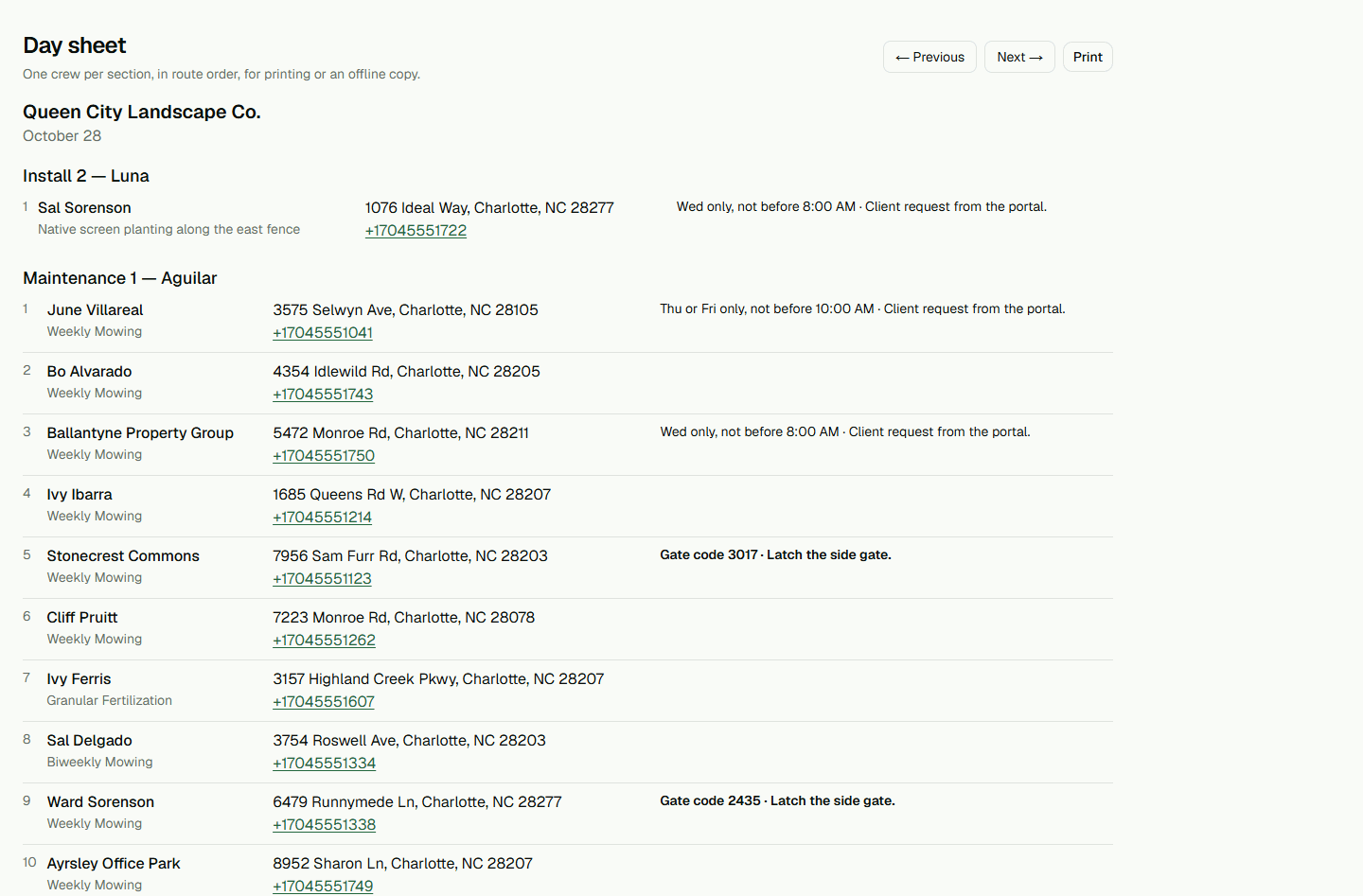
- Open the day sheet and check stops before sharing it.
Invoice and record payment
Invoice completed work; recording payment updates the record and does not move money.
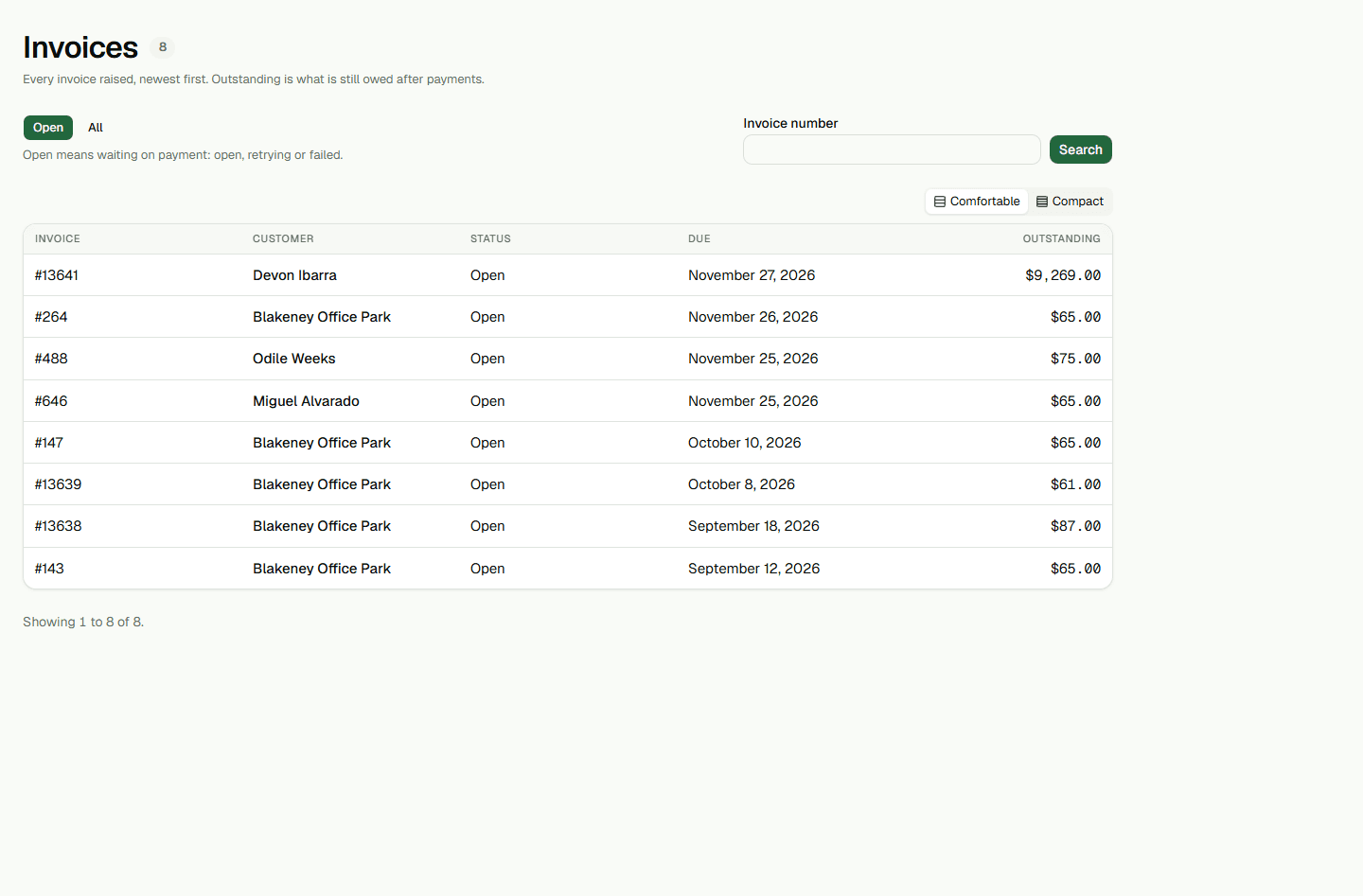
- Create an invoice and review its amount.
- Record payment when it arrives.