Understand Property Memory
Learn how Property Memory distinguishes existing conditions from proposed work and how to open a named design.
Existing conditions and proposed designs
Property Memory describes the conditions recorded for the property. In the app, the drawing of those existing conditions is called a twin. A design shows proposed work; it does not replace the existing-conditions drawing.
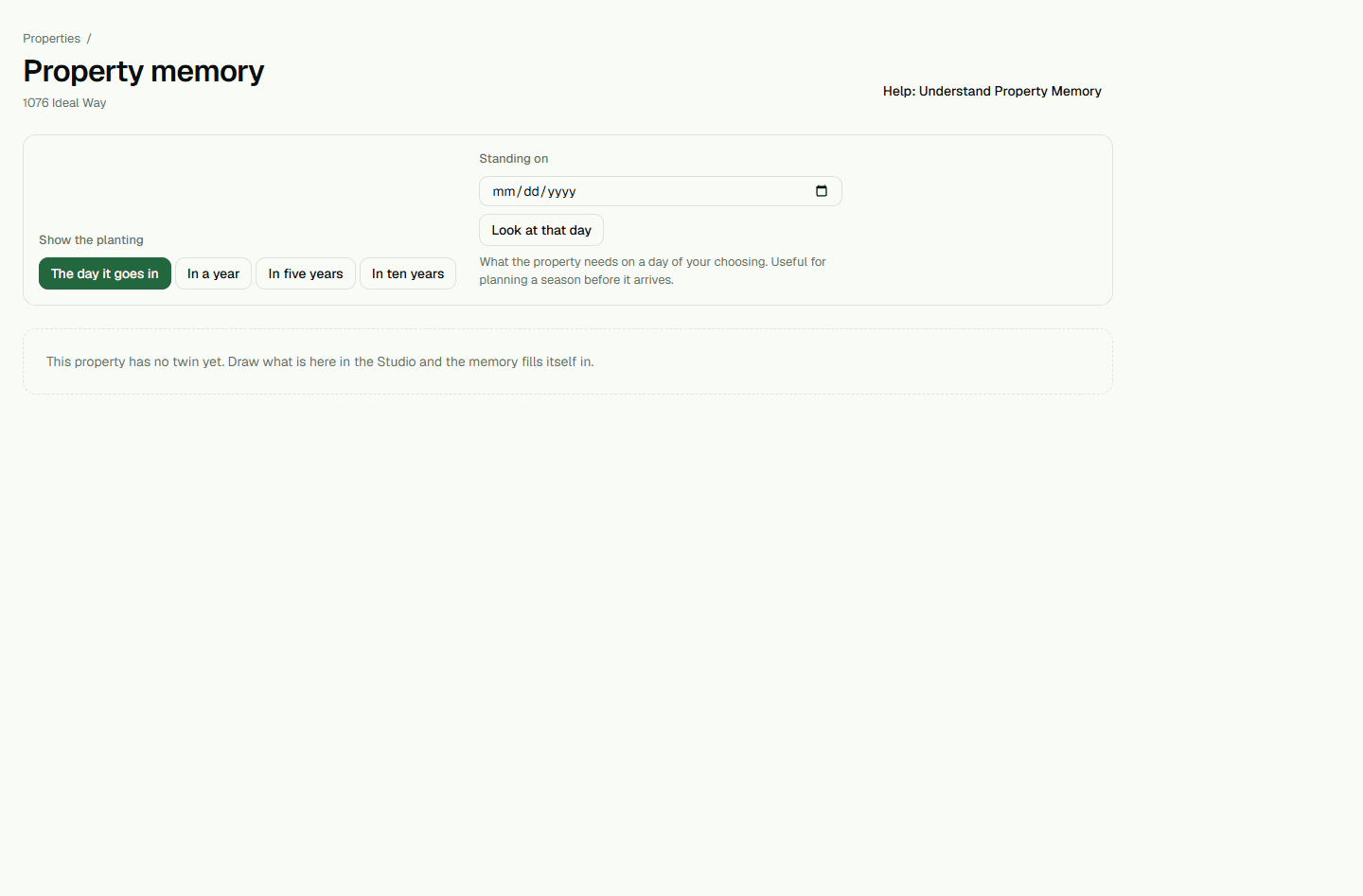
Review a named design when no existing-conditions drawing is recorded
If Property Memory says there is no twin yet but names a design, read the note to see whether the design is in progress or has been shown to the client. The proposed-piece count describes that design.
- On the property, choose Features, then Property memory.
- Choose Open the design to review that specific proposal in Studio.