Prepare a crew loading checklist
Add manual reminders to a crew's load list, mark an item as loaded, and check the saved progress.
Build a list for the workday
On the Load checks page, use Previous day or Next day to choose the work date, then find the card for the crew you are preparing.
Manual reminders are checklist text, such as spare trimmer line or the client's key. They are not stock items or quantities.
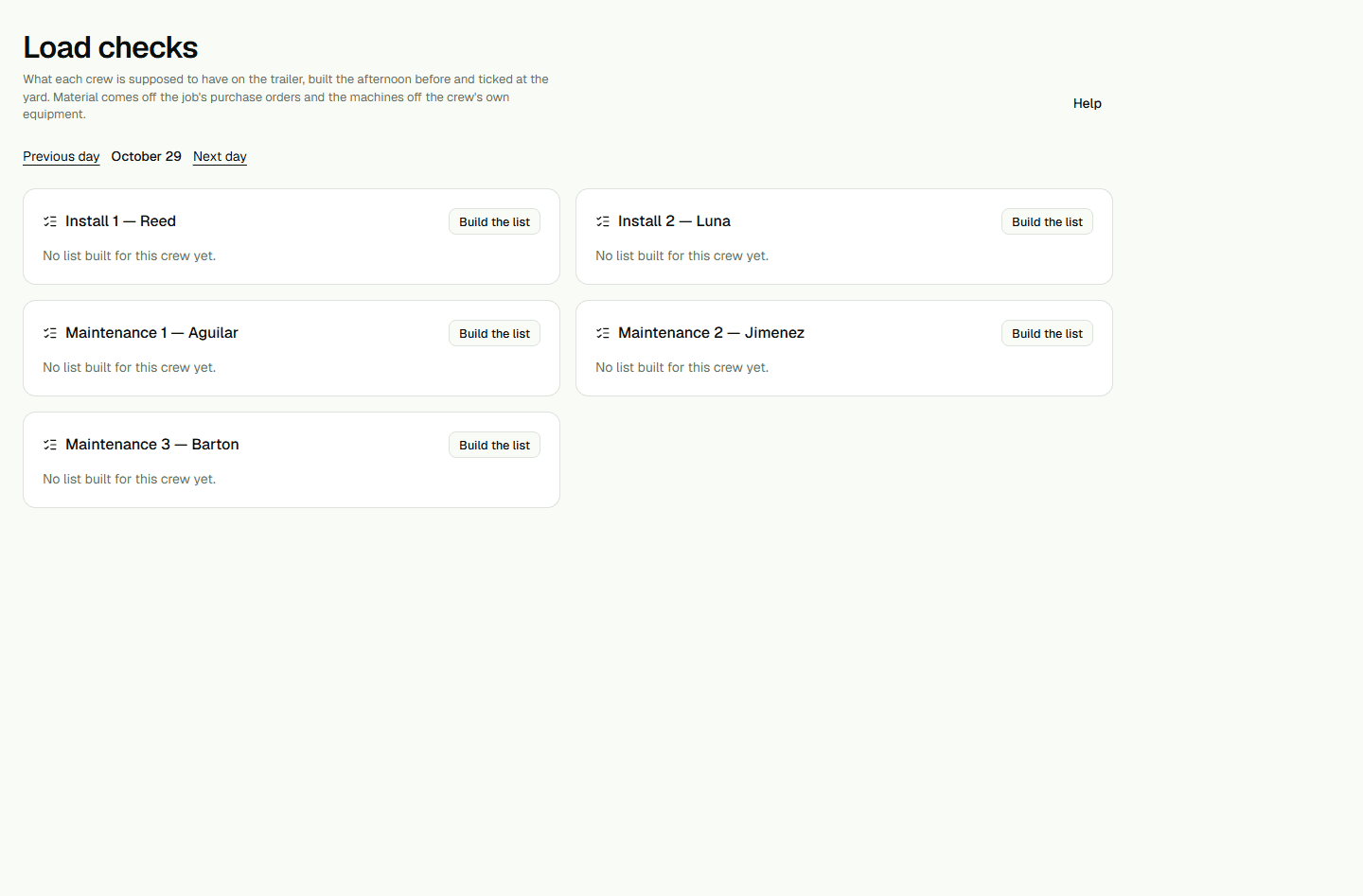
- On the crew card, choose Build the list.
- In Anything else to load, enter one reminder on each line.
- Choose Save the list and wait for the saved items to appear.
Mark an item and check the saved list
Each item can be marked individually. The progress count shows how many items are marked out of the total.
- Choose one item in the list to mark it as loaded.
- Reload the page and check that the list and marked item are still shown for the same crew and date.