First week: accepted quote to completion
Turn an accepted quote into project work, schedule the week and finish from the crew phone.
Create the project
Start from the accepted quote so its agreed scope carries forward.
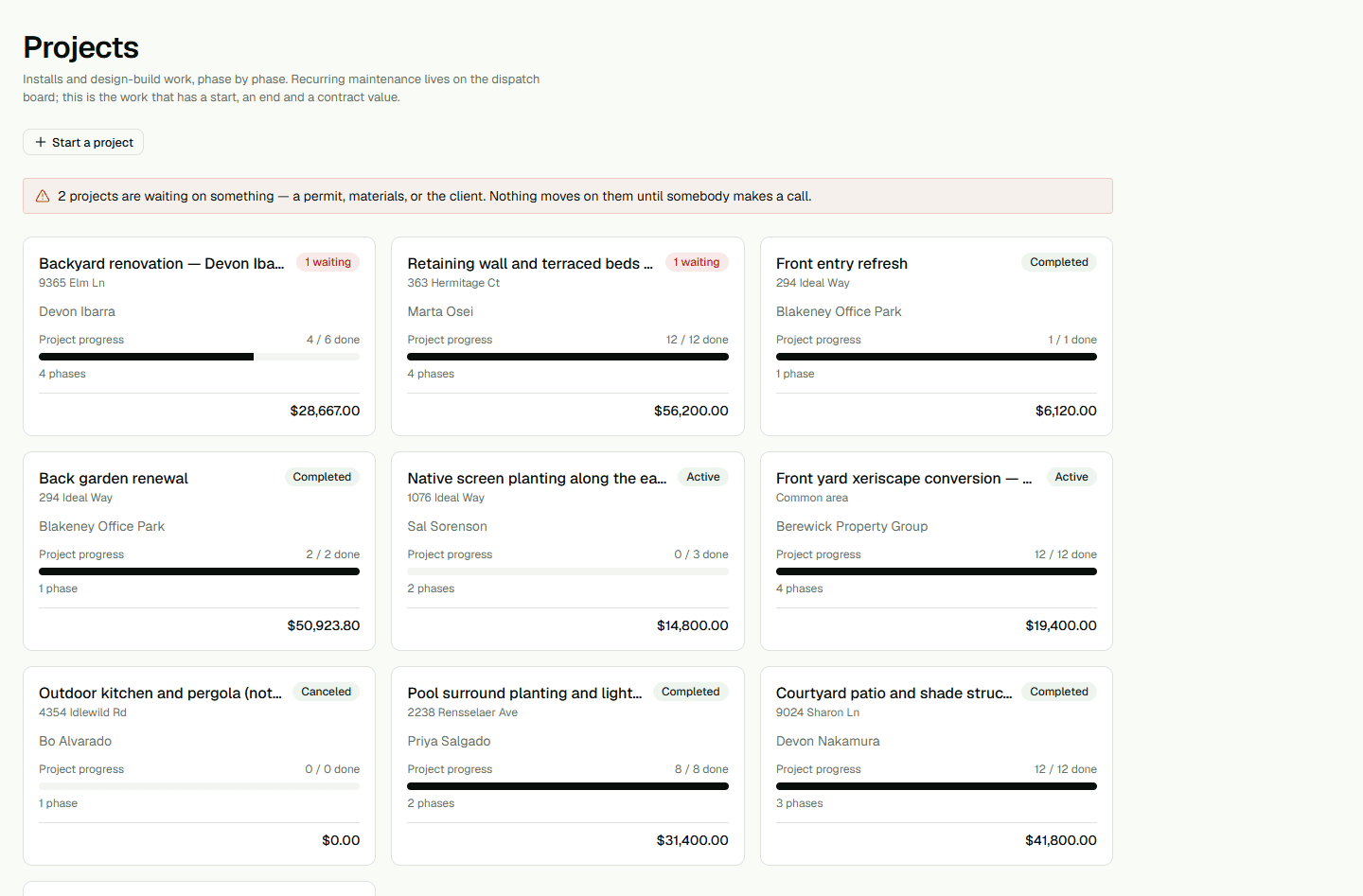
- Open the accepted quote and choose Start project.
- Review project details and resolve missing information.
Schedule a crew
Use the week board to assign a work day and crew.
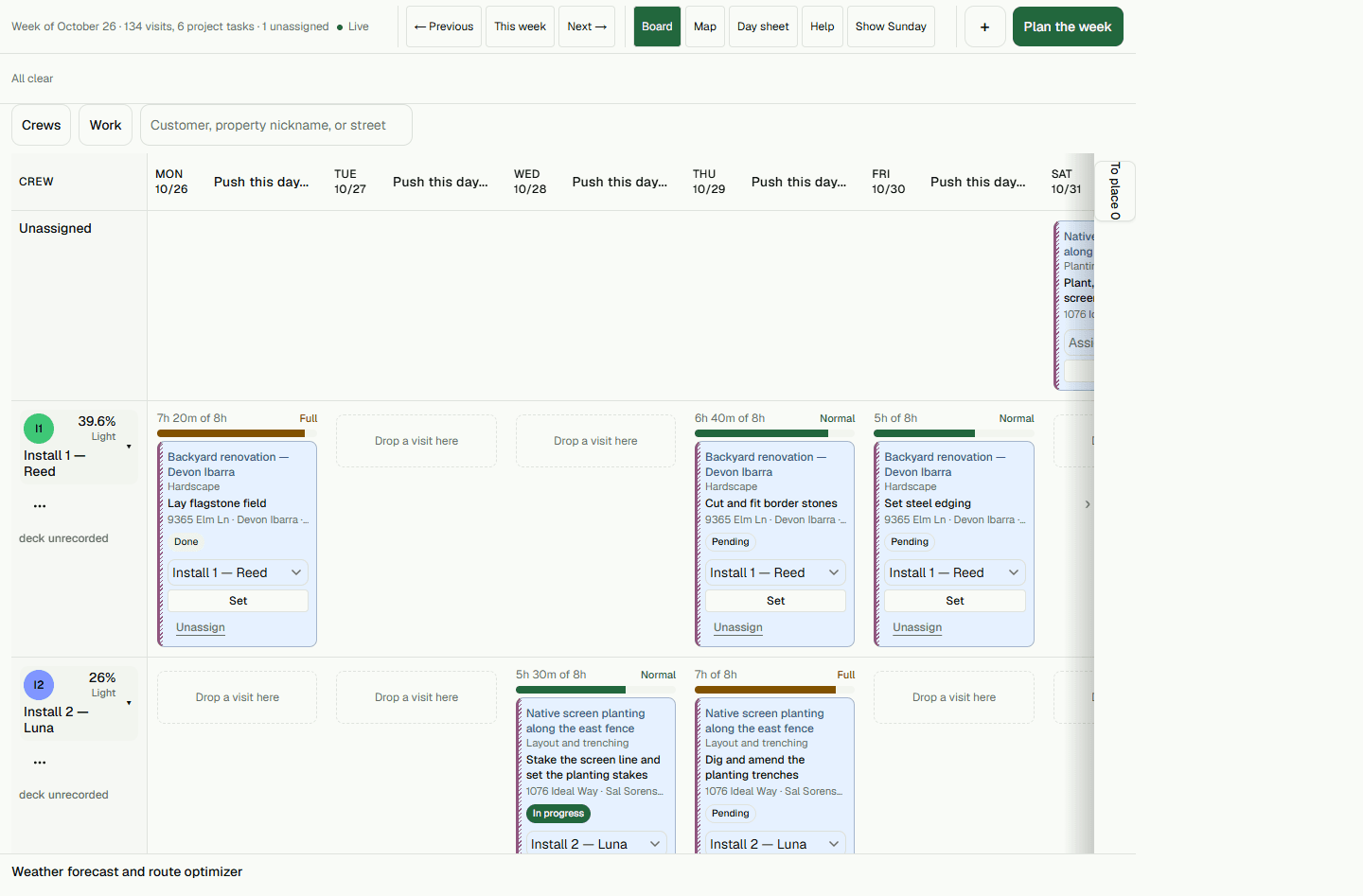
- Choose a work day on the week board.
- Assign the crew and save the schedule.
Finish from the crew phone
The crew reviews its assigned sheet and records progress.
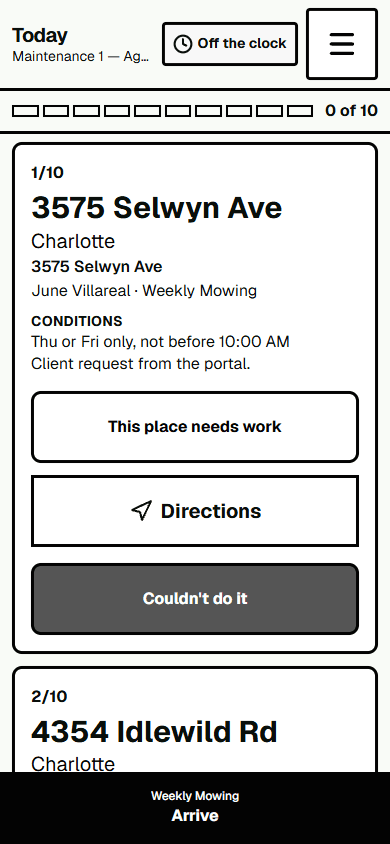
- Open the assigned job on the crew phone.
- Record the work and mark it complete after field work.